
Software Updates
The software automatically checks for updates each time it starts. If a newer version is available, an update button will appear in the lower left corner of the screen. Selecting this button opens the Help Centre, where you can review the changes included in the latest release and download the updated version.

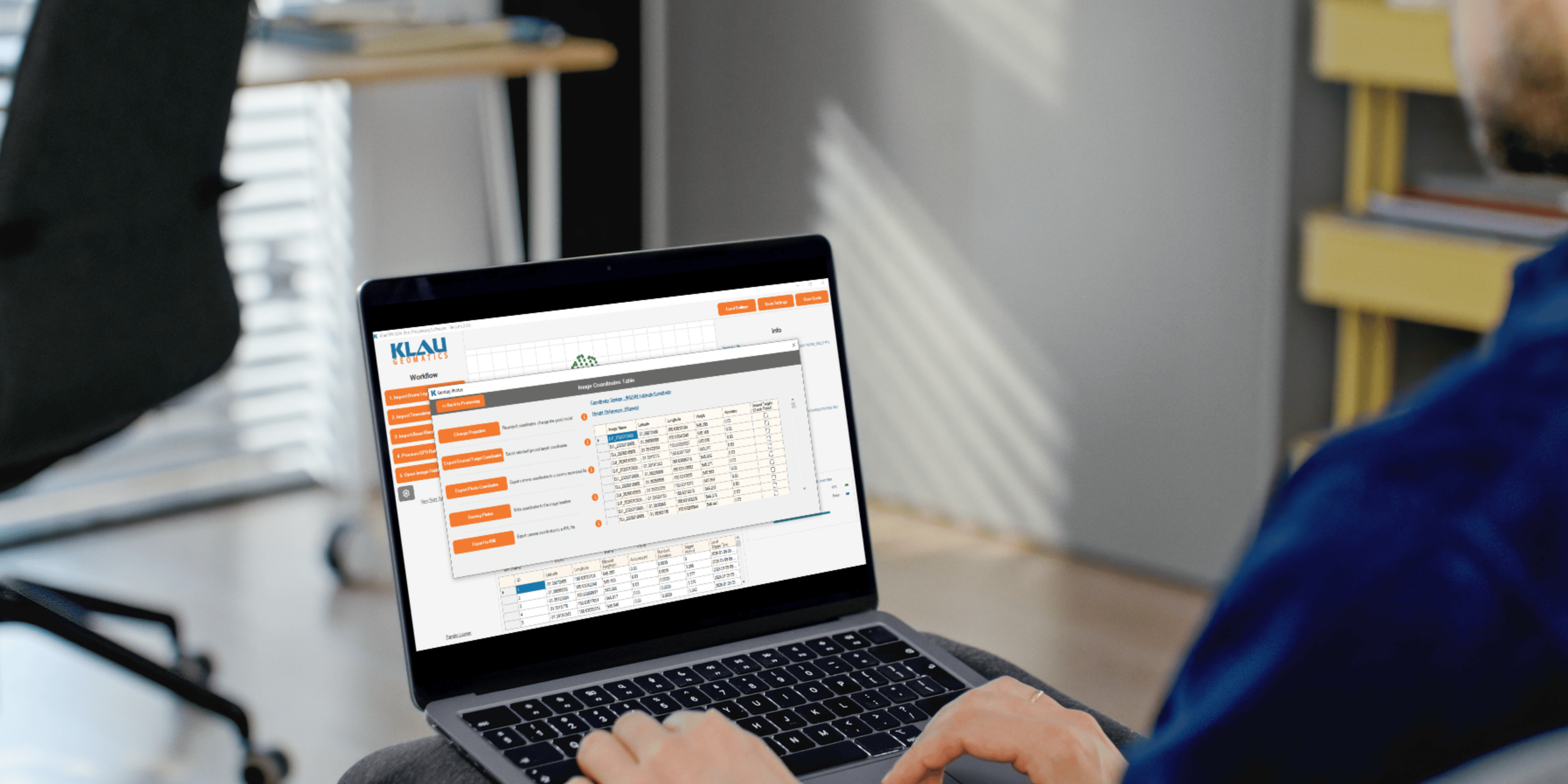
Process your next flight with KlauPPK
Start a 14 day, full-function trial and test KlauPPK with your own project data. No credit card required.