
Do I still need GCPs with PPK?
PPK can dramatically reduce your dependence on ground control — but accurate camera positions don't remove the need to verify your mapping.
There is an important distinction between controlling a photogrammetric model and independently checking its accuracy.
With good PPK positioning, you may need far less control. But for professional mapping, you still need an appropriate way to demonstrate that the final result is correct.
Control the model. Check the result.
A Ground Control Point (GCP) is used by the photogrammetry software to help position or constrain the model.
A Check Point is different. Its known coordinates are withheld from the adjustment and compared with the finished model to independently assess accuracy.
If a surveyed point is used to control the model, it cannot then be presented as independent evidence of the model's accuracy.
Better camera positions
reduce dependence on control
In a conventional UAV workflow, GCPs help compensate for uncertainty in the aircraft's camera positions. With unknown camera positions, photogrammetry will create a model, then ‘rubber sheet’ it to fit the GCPs. This used to be the traditional ‘reverse engineering’ solution.
PPK changes that equation.
By calculating accurate positions for each camera event, PPK provides photogrammetry software with much stronger information about where every image was captured. From there the aerial triangulation process just clicks together to produce the ground model.
That can reduce the amount of ground control required to establish the model and reduce field time spent placing and surveying GCPs.
But reducing control is not the same as eliminating verification.
So, how many GCPs do I need?
There isn't a universal number.
The appropriate control and checkpoint strategy depends on factors including:
required project accuracy
site size and geometry
terrain and elevation variation
camera and aircraft
flight configuration
quality of the PPK solution
photogrammetry workflow
client, regulatory or survey requirements
That's why statements such as “PPK means you don't need GCPs” are too simplistic.
There is one fundamental error in the the system that needs to be controlled. That is the camera focal length. A slight error in this number will raise or lower the height of the model, and this is not detectable in the photogrammetry processing without at least one GCP.
For some projects, accurate PPK camera positions may allow very little model control. For others, project specifications or site conditions may justify additional control.
Use PPK for positioning.
Use checkpoints for Validation.
A defensible UAV mapping workflow might look like:
1. Process the camera positions with PPK
Generate accurate positions and review the quality of the GNSS solution.
2. Process the photogrammetry
Use the PPK camera positions as high-quality observations in the adjustment. Know your lens calibration or have at least one GCP.
3. Use independent checkpoints
Distribute surveyed checkpoints appropriately across the project area.
4. Compare the finished model against the checkpoints
Measure the residuals. This is your measure of absolute accuracy.
5. Report what you actually achieved
Document the PPK processing, control/check strategy and measured project accuracy.
Don't confuse GNSS accuracy with mapping accuracy
A high-quality PPK solution tells you about the positioning of the camera.
It does not by itself prove the accuracy of the finished orthomosaic, point cloud or surface model.
The final mapping result is also affected by factors such as image geometry and distortions, camera calibration, terrain, image quality and photogrammetric processing. Your ground checks will also identify gross errors such as choosing the wrong coordinate system or blunders in processing.
That's why independent verification remains important.
Get more value from every control point
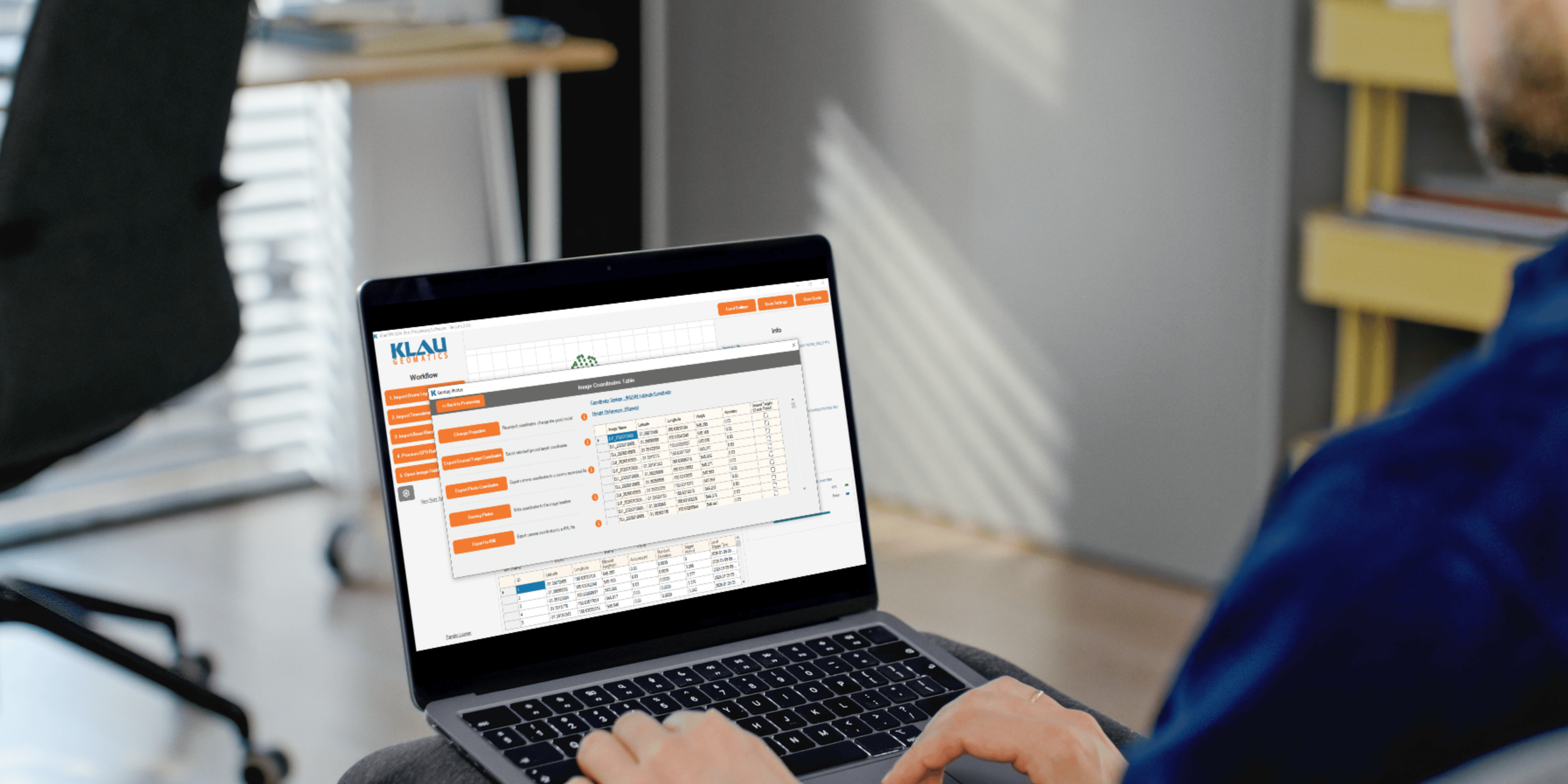
KlauPPK is designed to provide accurate camera positions and useful quality information before your imagery enters photogrammetry.
That means ground survey effort can be focused where it adds the most value: verification and project requirements, rather than compensating for poor camera positioning.
Process your next flight with KlauPPK
Start a 14 day, full-function trial and test KlauPPK with your own project data. No credit card required.