
Software Activation
Trial Mode
Upon installation, the software will operate in full featured trial mode for a period of 14 days. No activation is required during this period.
After 14days, you’ll be prompted to activate the software to continue using it.
Obtaining a Licence
If you haven’t yet purchased a licence, visit https://geomatics.com.au/contact/ for contact details to organise payment.
Once you’ve received a serial number, you can choose to activate the software online or offline.
Online Activation(Recommended)
Online activation is the fastest and most convenient method
1. Launch the software.
2. Enter your serial number into the activation field.
3. Click Activate.
4. The software will validate the serial number and bind the licence to your system.
5. If successful, you’ll receive a confirmation message and the software will unlock automatically
Offline Activation
If your computer is not connected to the internet:
1. Click on the Offline Activation tab if you have not already.
2. Enter your serial number and click Apply.
3. This will generate a Licence Request Code.
4. Copy the code and email it to us(contact details available at the bottom of the activation screen).
5. Our team will process your request and return a Licence Key File or activation code.
6. Once you receive your key: Paste the licence key into the provided field or Drag and drop the .lic file into the activation window.
7. Click Activate to complete the process.
Activation Success
If activation is successful, a confirmation message will appear and the full version of the software will be unlocked for use.



Process your next flight with KlauPPK
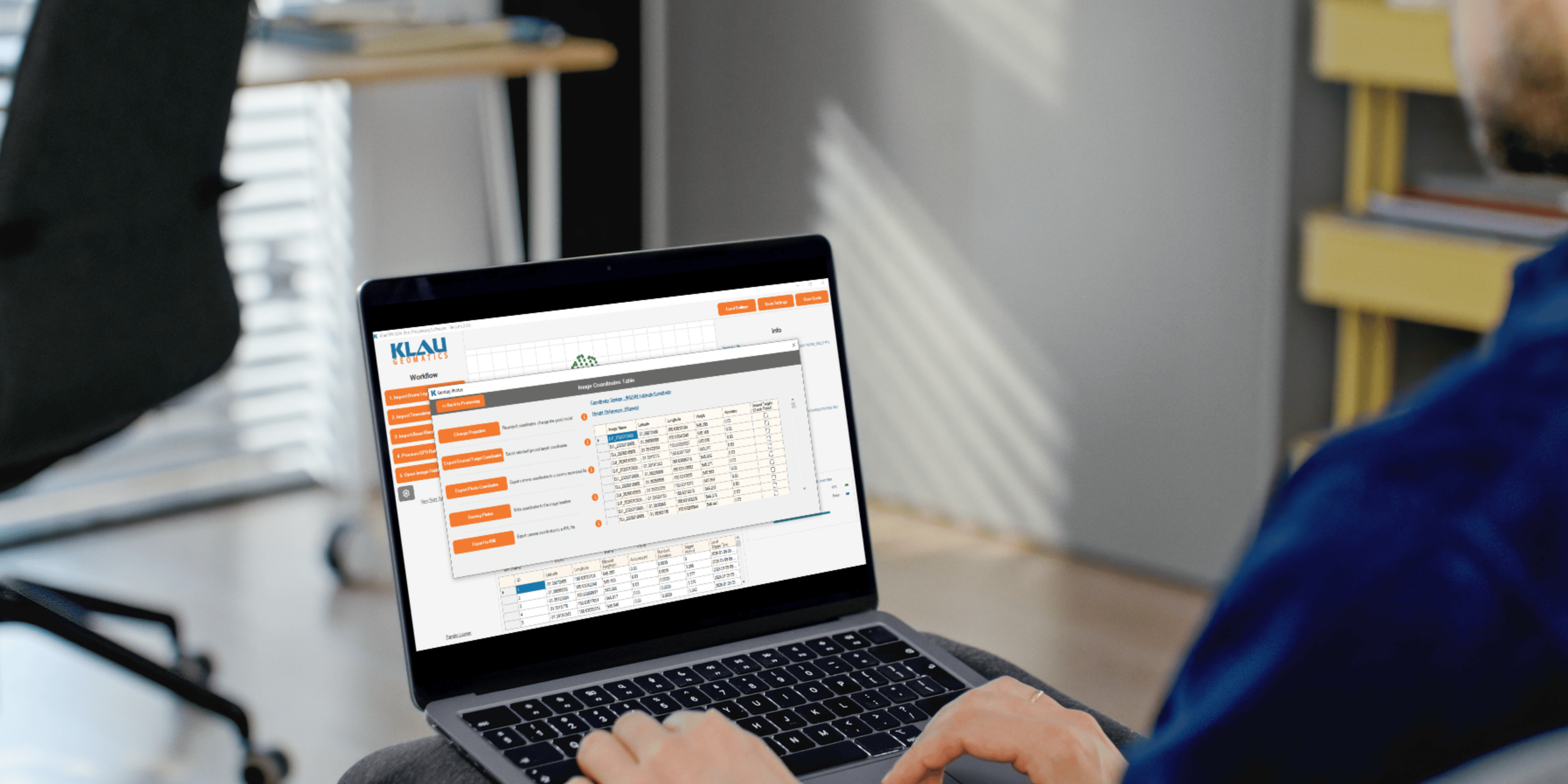
Start a 14 day, full-function trial and test KlauPPK with your own project data. No credit card required.