
Help Centre
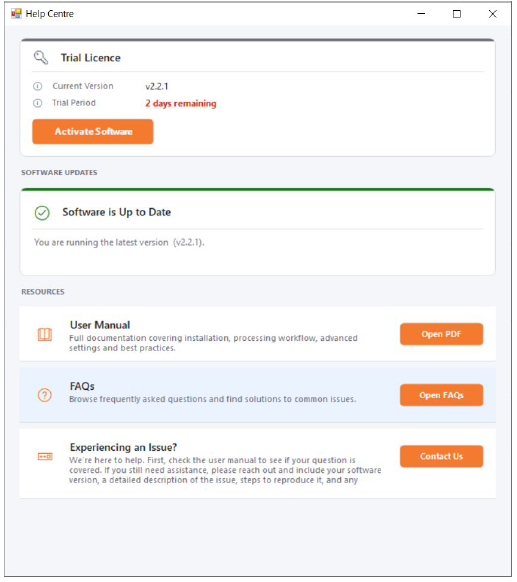
The Help Centre provides a central location for managing your licence, checking your software status, and accessing support resources.
Licence Panel
Displays your current licence details, including licence type, serial number, and expiry information where applicable. From this panel you can activate a new licence, update an existing licence, or deactivate the current installation.
Software Status
Shows the software version you are running and notifies you if an update is available. You can review the changes introduced since your installed version and download the latest release directly from this screen.
Support Resources
Provides quick access to the user manual, FAQs, and support links to assist with setup, troubleshooting, and general enquiries.
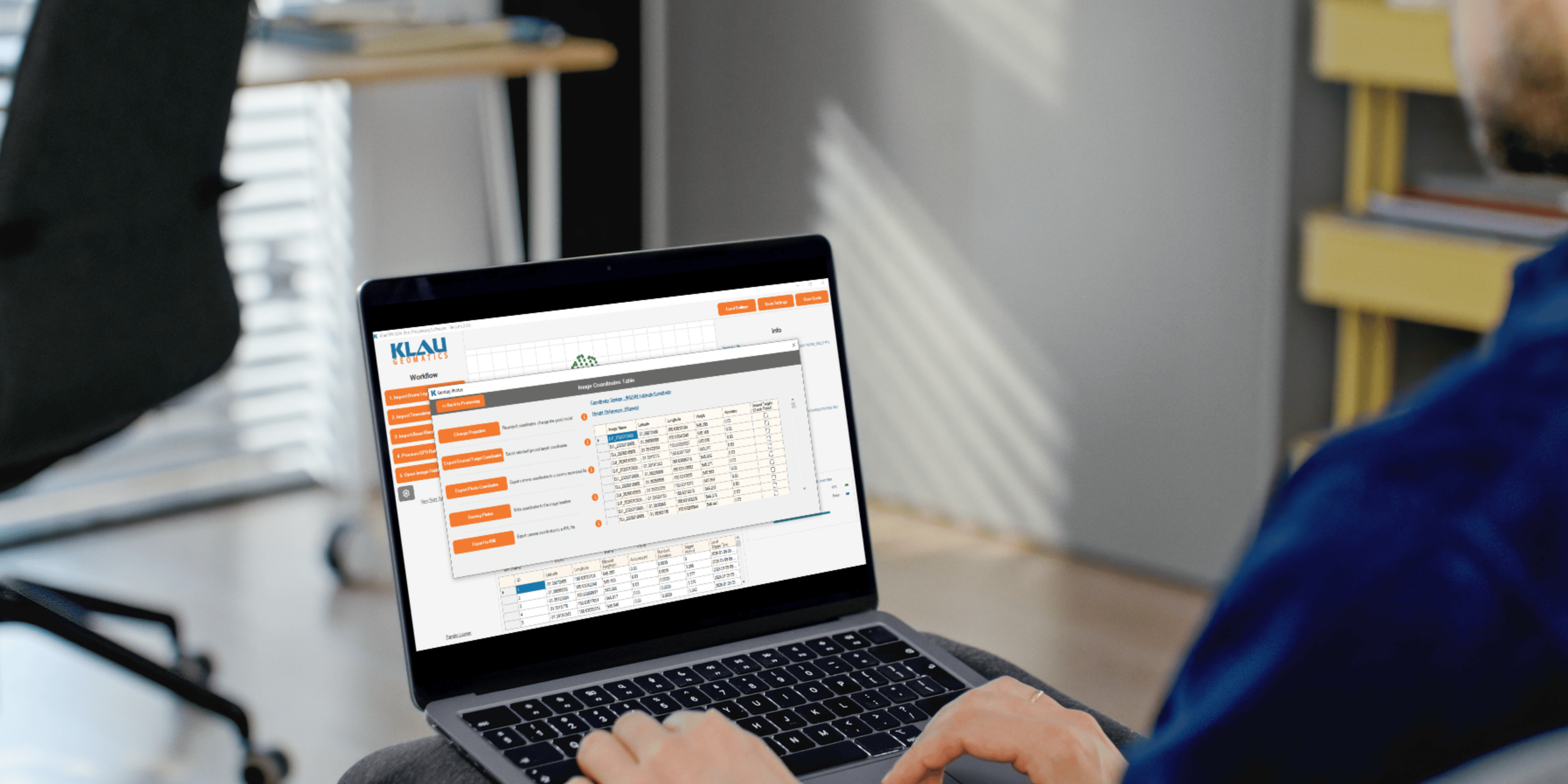
Process your next flight with KlauPPK
Start a 14 day, full-function trial and test KlauPPK with your own project data. No credit card required.