
Installation
Launch the Installer
Locate the downloaded .msi installer file.
Double-click the file to begin the installation.
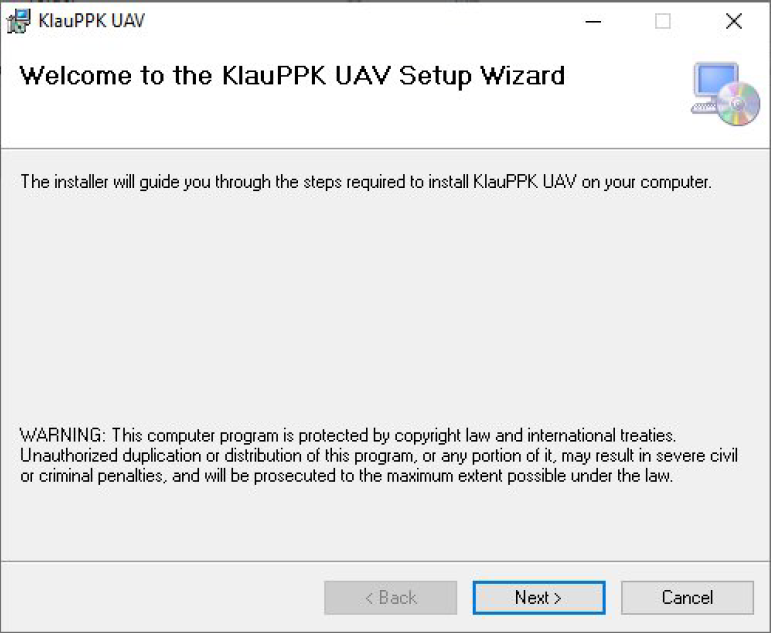
Welcome Screen
On the Welcome screen, click Next to proceed.
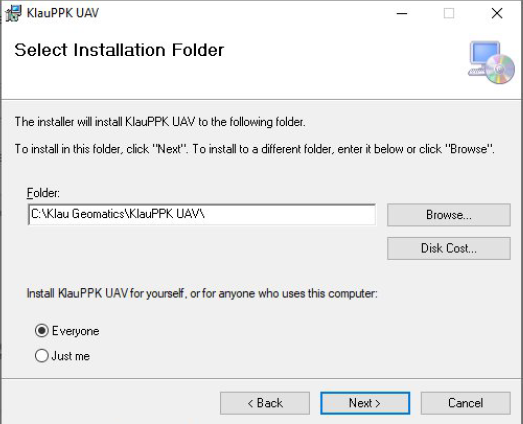
Installation Options
Choose the destination folder where the software should be installed.
Select whether to install the software for Everyone or Just Me.
Click Next to continue.
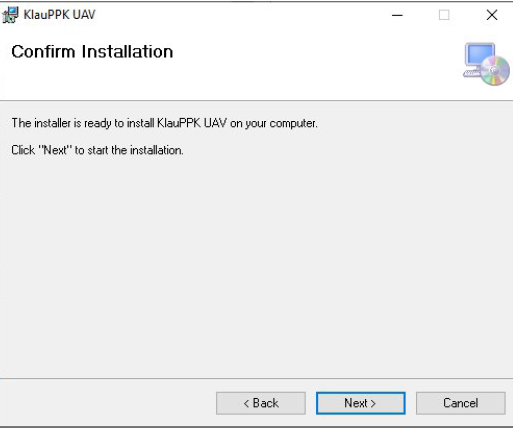
Confirm Installation
On the Confirm Installation screen, click Next.
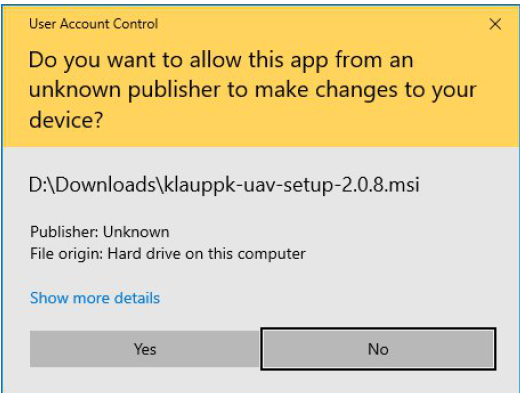
Note: A system prompt may appear stating: "Do you want to allow this app from an unknown publisher to make changes to your device?" If prompted, click Yes to continue.
Installation Progress
The software will now install. This may take a few moments.
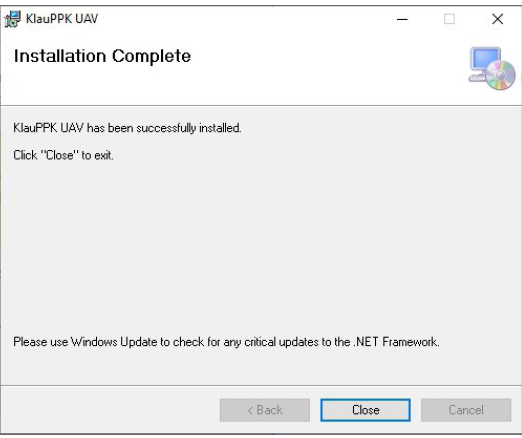
Complete Installation
Once the installation is complete, click Close to exit the installer.
FirstLaunch
Navigate to the installed application (via Start Menu or install location) and launch the software.
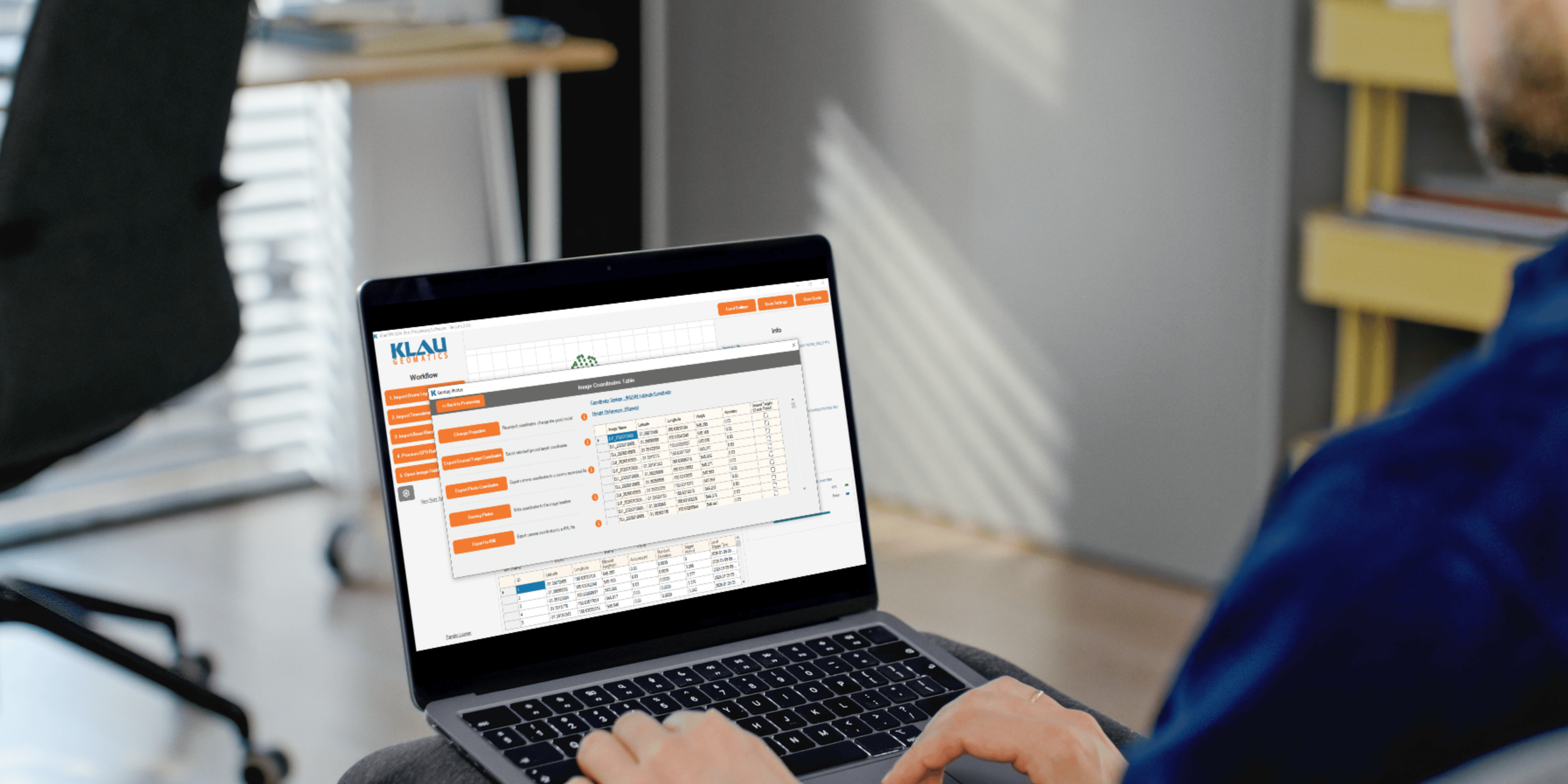
Process your next flight with KlauPPK
Start a 14 day, full-function trial and test KlauPPK with your own project data. No credit card required.